Free calculators for home projects
Buy the right amount, the first time.
Precise calculators and a 3D tile visualizer for tiling, flooring, painting, concrete and building work. Type your measurements in any unit, then take the results to the shop as a PDF.
Example floor
46
Tiles to buy
12
Boxes of 4
- 37precise calculators
- 3Dtile visualizer at true scale
- mm → ydany unit, even 3/8 and 12' 6"
- PDFshopping lists for the store
3D tile visualizer
See the floor before you buy a single tile.
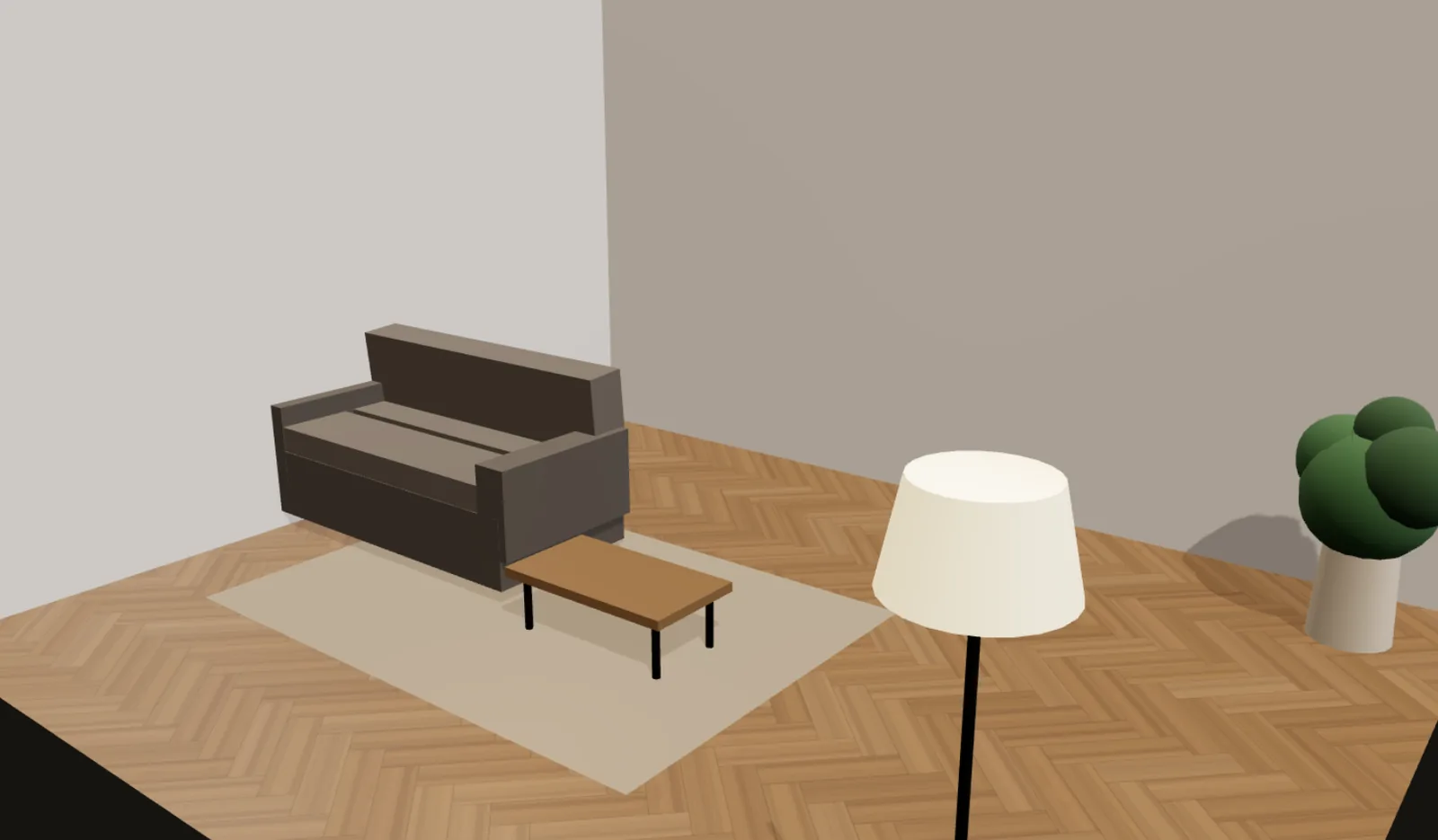
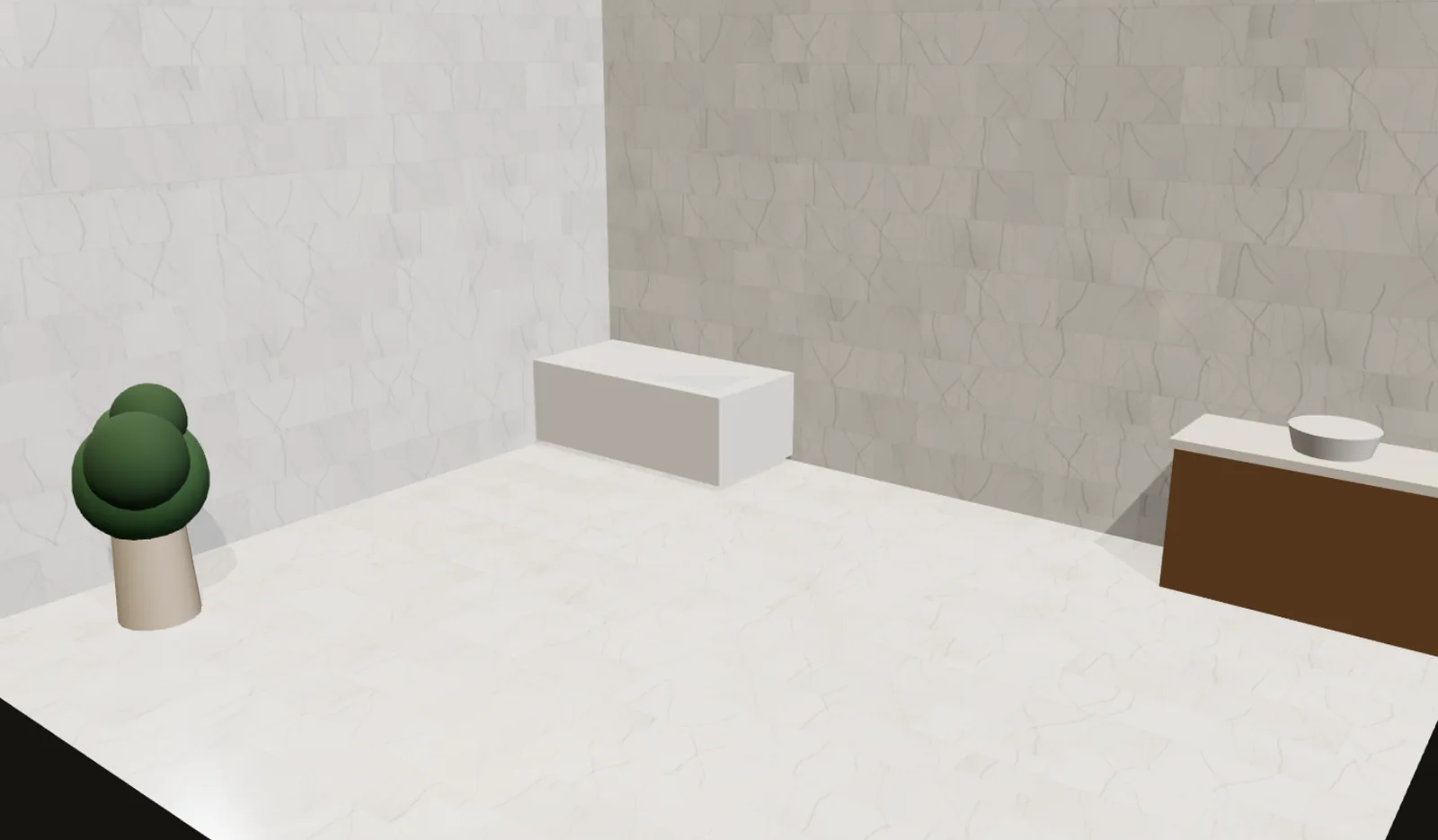
Choose a tile size, colour, grout and pattern. The visualizer lays it out at true scale in a 3D room, then counts the whole and cut tiles for your own floor.
- Six patterns, from a straight grid to herringbone
- Any tile colour, grout colour and finish
- Whole and cut tiles counted for your room
Pattern
Colour
New · Room designer
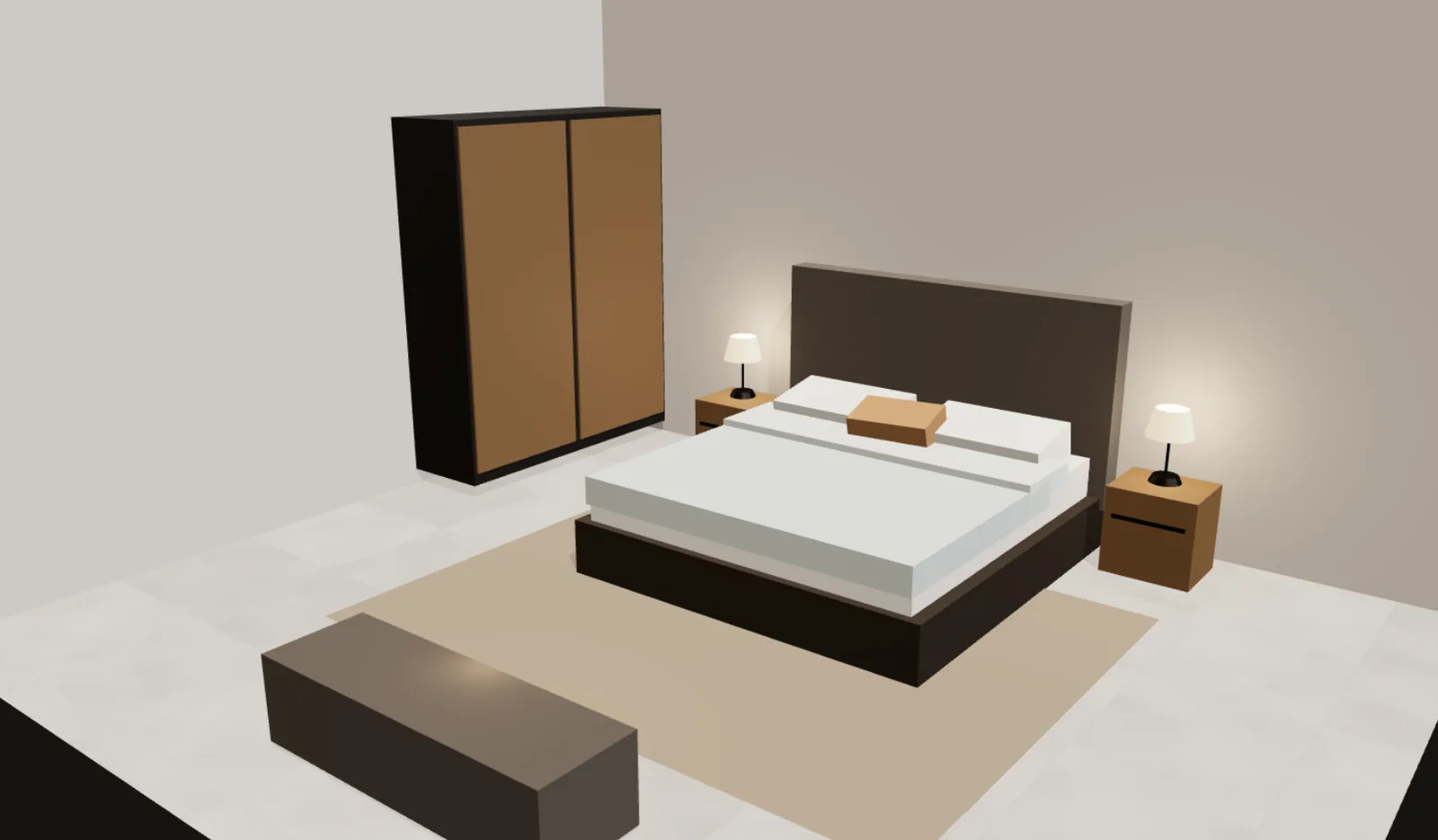
Try it on a photo of your own room.
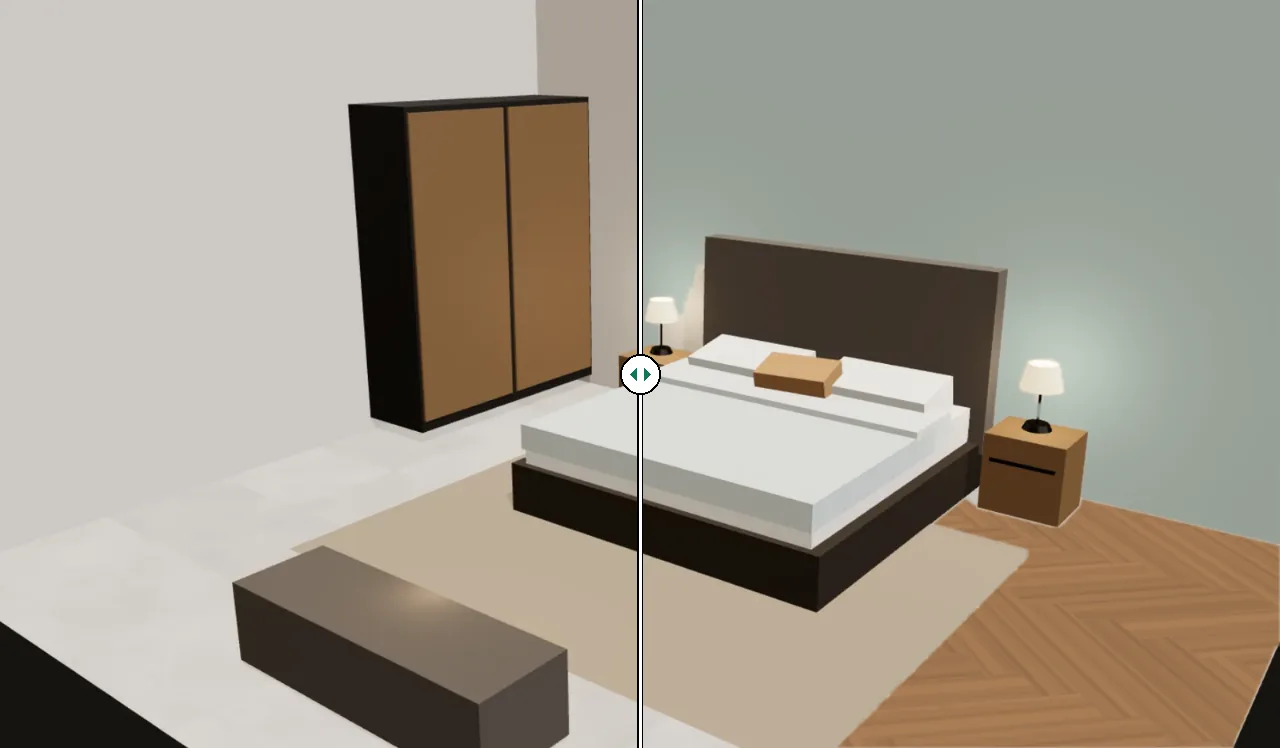
Upload a photo, mark the floor, a wall or a cupboard, and see new tiles, paint or your own laminate on it — in perspective, with your room's own light and shadows. The photo never leaves your device.
- Tiles, wood and marble laid in true perspective
- Paint colours and your own tile or sheet photos
- Before / after slider and image download
The toolkit
Everything your room needs, measured properly.
Pick a job. Every calculator shows its formula, a worked example and tips from the trade, so you know where each number comes from.
- Tile calculatorTiles and boxes for a floor, tile skirting or a bathroom's floor and walls.
- Paint calculatorLitres, gallons and tins of paint for walls and ceiling, plus primer and putty.
- Concrete calculatorVolume, bags of pre-mix, or cement, sand and crush for a slab, footing or column.
- Flooring calculatorPacks of laminate, vinyl or wood flooring, plus underlay.
- Square footage calculatorArea of any room made of rectangles, triangles and circles.
- Tile visualizerSee tile size, colour, pattern and marble or wood looks in a 3D room; count whole and cut tiles.
- Mulch calculatorCubic yards, m³ and bags of mulch or bark for your beds and depth.
- Cubic yard & cubic metre calculatorCubic yards, m³, cubic feet and litres for any rectangle, circle or triangle — plus weight.
- Roofing calculatorRoof area from pitch, squares and shingle bundles — or roof tiles and slates.
- Drywall / plasterboard calculatorSheets of drywall or plasterboard for walls and ceiling.
- Gravel, sand & soil calculatorVolume, tonnes and bags of gravel, sand, topsoil or mulch.
- BTU calculatorWhat size air conditioner a room needs, in BTU/h, kW and tons — for mild, hot and very hot climates.
- Bathroom tile calculatorFloor and wall tiles for a bathroom or washroom, minus the door and window, with boxes, adhesive and grout.
- Grout calculatorGrout weight from tile size, thickness and joint width.
- Tile adhesive calculatorTile adhesive (thinset) by tile size and trowel notch, or cement and sand for a mortar bed.
- Carpet calculatorRoll length and area of carpet to buy, seams, underlay and gripper strip for a room.
- Screed & self-levelling calculatorBags and kilos of self-levelling compound or floor screed for your floor area and depth.
- Baseboard / skirting calculatorLength and pieces of baseboard or skirting board.
- Room designerUpload a photo of your room and try new tiles, paint or cupboard colours on it.
- Wallpaper calculatorRolls of wallpaper, including pattern repeat.
- Wall panelling calculatorHow many wall panels, slat panels, tongue-and-groove boards or sheets you need for a wall.
- Plaster calculatorBags of skim or undercoat plaster, or cement and sand for cement plaster, for walls or a room.
- Insulation calculatorInsulation thickness for a target R-value, and the rolls, batts or boards to buy.
- Caulk calculatorCartridges or tubes of caulk or sealant for a joint, from its length, width and depth.
- Cement calculator50 kg cement bags, sand and crush (bajri) for concrete mixed on site — 1:2:4, 1:1.5:3 or your own mix.
- Paver & patio calculatorPavers or slabs for a patio, path or driveway, plus base stone and bedding sand.
- Sod & turf calculatorSod pieces, turf rolls and pallets for a new lawn, plus topsoil.
- Retaining wall calculatorWall blocks, caps, trench size and gravel for a garden retaining wall.
- Asphalt calculatorTons or tonnes of asphalt (tarmac) for a driveway or path.
- Decking calculatorDeck boards, joists, rim joists, hangers and screws for a rectangular deck.
- Fence calculatorPosts, panels, rails, pickets, gates and post concrete — straight runs or several sides.
- House construction cost calculator (Pakistan)Grey structure or complete house cost per sq ft for a marla or kanal plot, with cement, steel, bricks, sand and crush.
- Brick & block calculatorBricks or blocks for a wall, and the mortar as cement bags and sand.
- Roof pitch calculatorRoof pitch as X in 12, degrees and percent, plus the rafter length with overhang.
- Siding calculatorSiding or cladding area, squares and boxes or boards, with gable ends and openings.
- Gutter calculatorGutter sections, downspouts, hangers and fittings for your roof edges.
- Board foot calculatorBoard feet, cubic feet or m³ and the cost of lumber or timber, from the size and number of pieces.
- Rebar calculatorBars to buy, total length and weight of rebar for a slab grid, with laps and stock lengths.
- Stair calculatorRisers, treads and angle, checked against US, UK, European, Australian, Indian and Pakistani rules.
- Marla calculatorMarla and kanal to square feet, square yards, m² and acres — with the 225 or 272¼ sq ft marla.
- Unit converterFeet and metres, square feet, cubic yards, gallons, pounds and BTU — every unit at once.
- AC ton calculatorWhat size split AC a room needs in 40–50 °C summers: 1, 1.5 or 2 ton — for Pakistan, India and the Gulf.
How it works
From tape measure to shopping list.
- 01
Measure
Type your sizes in whatever unit is on your tape: metres, centimetres, feet and inches, even fractions.
- 02
Calculate
Results update as you type, with the right spare for cuts and a check against building rules where it matters.
- 03
Take it with you
Download a clean PDF or spreadsheet, or collect several jobs in one project shopping list.
Why RoomCalcs
Built like a tool, not a guess.
Sourced, tested formulas
Every formula is written down with its source and checked against hand-worked examples before it goes live.
Every unit you use
Mix millimetres, centimetres, metres, inches, feet and yards in one form. Results show metric and imperial side by side.
PDF and spreadsheet
A neat report with your measurements, results and notes, ready to print or send to your tradesperson.
One list per project
Add tiles, grout, adhesive and paint from different calculators and download them together.
Private by design
No sign-up and no tracking. Your numbers never leave your device.
Honest defaults
Rules of thumb are labelled and editable, and they lean towards not running short.
MyStay Tools
More free tools from MyStay
Our sister site has 90 free everyday tools — PDF to Word, background remover, calorie counter, CGPA converter, currency and tax calculators. Private, no sign-up, in 10 languages.
Visit MyStay Tools- Image & PDF toolsAll 15 tools
- Finance & money
- India income tax calculator (FY 2026-27)
- GST calculator
- VAT calculator
- Profit margin calculator
- Salary tax calculator
- Everyday lifeAll 7 tools
- Travel & currency
- Online utilitiesAll 6 tools
- Health & fitnessAll 11 tools
- Study & grades
- CV maker (resume builder)
- CGPA to percentage converter
- CGPA calculator
- GPA calculator
- Marks percentage calculator
- Property & land
- Islamic
Questions
Good to know
Are the calculators really free?
Yes. Every calculator, the tile visualizer and the PDF downloads are free, with no account and no limits.
How accurate are the results?
The maths is exact and tested, but a result can only be as good as your measurements and the product figures you enter. Coverage, bag yields and pack sizes vary, so check the label, measure twice and keep the suggested spare.
Which units can I use?
Any common unit: millimetres, centimetres, metres, inches, feet and yards, plus litres, US and UK gallons, kilograms, pounds and tonnes. You can type fractions such as 3/8 or feet and inches such as 12' 6", and switch any box on its own.
Can I save, print or share my results?
Yes. Download a PDF or a spreadsheet (CSV) of any calculation, print it, copy a link that reopens it, or add it to your project shopping list.
How much extra material should I buy?
It depends on the job: typically about 10 % for tiles in a straight layout and 15 % for diagonal or herringbone, 5–10 % for flooring and around 10 % for concrete. Each calculator fills in a sensible figure that you can change.
Do you store what I type?
No. Everything is calculated in your browser. The only things kept, in your own browser, are your unit and theme choice and your project list, and you can clear them at any time.
Ready when you are.
Start with the job in front of you. Every calculator is free and works on your phone.